AI Agents
Cost of Building an AI Agent for Customer Support
What actually drives the cost of a customer support AI agent: scope, integrations, knowledge preparation, safety work and the running costs most budgets forget.
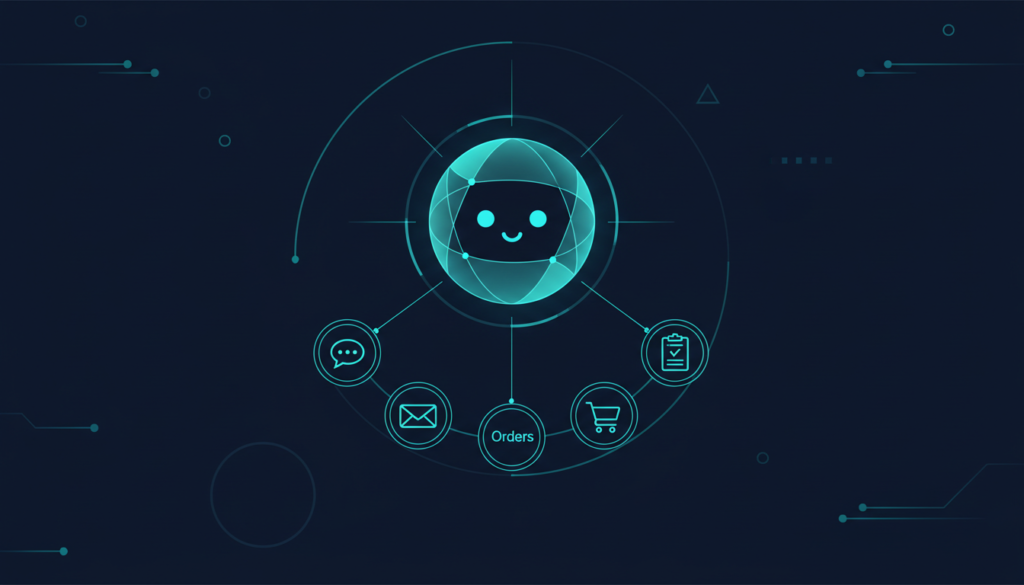
In shortA customer support AI agent costs more than a simple chatbot because every action it can take, such as looking up orders or issuing refunds, needs an integration, guardrails and testing. Budget for two things: the one-time build (knowledge preparation, integrations, channels, safety work and evaluation) and the monthly running cost (model usage, hosting, content upkeep and monitoring).
Most companies asking about the cost of a customer support AI agent are really asking two questions. How much will it cost to build? And how much will it cost every month after launch? The second number is the one that surprises people, so this guide covers both.
We will not quote a single figure here, because any honest estimate depends on scope. Instead, this article walks through what drives the cost, so you can judge the quotes you receive and decide what to build first.
Chatbot or agent? The difference changes the price
A support chatbot answers questions. It searches your help content and replies. A support agent also takes actions: it looks up an order, checks a refund policy, updates a shipping address or opens a ticket in your helpdesk.
Every action an agent can take means an integration to build, permissions to design and failure cases to test. That is where most of the cost difference between a simple bot and a capable agent comes from.
| Level | What it does | Relative effort |
|---|---|---|
| 1. Answer bot | Answers from your FAQ and help articles, hands off to a human | Lowest |
| 2. Read-only agent | Also looks up order status, account details or booking information | Moderate |
| 3. Action-taking agent | Also changes data: refunds, cancellations, address changes, ticket updates | Highest, mainly due to safety and testing work |
Most teams get better results by launching at level 1 or 2, measuring, and adding actions one at a time.
What drives the build cost
1. Knowledge preparation
An agent is only as good as the information it can find. Help centers are often outdated, contradictory or spread across PDFs, wikis and old email templates. Cleaning, structuring and connecting this content is real work, and it is the most common reason early answers are wrong. If your documentation is already current and well organized, this cost drops sharply.
2. Integrations
Each system the agent talks to adds work: your helpdesk, CRM, e-commerce platform, order management or booking system. Well-documented modern APIs are quick to connect. Older internal systems without an API can take much longer, sometimes requiring a small integration service to be built first.
3. Channels
A web chat widget is the simplest channel. Email, WhatsApp, social messaging and voice each have their own formats, rules and approval processes. Voice adds speech recognition, speech synthesis and latency requirements, and is typically the most expensive channel to do well.
4. Guardrails and escalation
A production agent needs clear limits. It must know when to hand a conversation to a person, what it must never promise, how to handle angry or vulnerable customers, and how to resist attempts to manipulate it into breaking policy. Designing and testing these rules takes time, and it is the part that cheap quotes most often skip.
5. Evaluation
Before launch, the agent should be tested against a set of real past conversations with known correct answers. Building that test set and reviewing the results is what tells you whether the agent is ready, and it lets you check every future change without guessing.
6. Languages and compliance
Each additional language needs testing with real examples. Regulated industries such as finance and healthcare need extra controls on what the agent may say and how conversations are stored. If you serve users in the EU, transparency obligations for AI systems that interact with people also apply.
The running costs most budgets forget
- Model usage. Language model providers charge by the amount of text processed. Cost grows with conversation volume, conversation length and how much reference material is included in each request. Caching, shorter context and routing simple questions to smaller models all reduce it.
- Hosting and search infrastructure. Servers, databases and the search index that holds your knowledge content.
- Platform and channel fees. Some messaging channels and helpdesk add-ons charge per conversation or per seat.
- Content upkeep. Every new product, policy change or price update must reach the agent's knowledge base.
- Monitoring and improvement. Someone needs to review failed conversations each week and fix the causes. Agents improve fastest in the first months after launch, if someone is looking.
How to estimate whether it pays off
You do not need a perfect model to make a sound decision. Gather four numbers from your helpdesk:
- Monthly support conversations.
- The share that are repetitive questions or simple lookups. Tag a sample of a few hundred conversations to find out.
- The average handling cost per conversation for your team.
- A conservative resolution rate for the agent on those repetitive conversations. Start low and update it with real data after a pilot.
Multiply conversations by the repetitive share, the resolution rate and the cost per conversation. That is your monthly saving. Compare it with the monthly running cost and the build cost spread over a sensible period. If the numbers only work with optimistic resolution rates, start with a smaller scope.
Ways to keep the cost down
- Start with your top ten question types. They often cover a large share of volume.
- Fix the knowledge base first. Clear, current articles help human agents too.
- Add actions one at a time, beginning with read-only lookups.
- Keep humans in the loop for refunds, complaints and anything irreversible.
- Use an existing helpdesk AI feature if your needs are simple. A custom agent is worth it when you need deep integration with your own systems or full control over behavior and data.
Questions to ask any vendor
- How will you test the agent before launch, and will we see the results?
- What happens when the agent does not know the answer?
- Which costs are one-off and which are monthly?
- Can we switch the underlying model later without rebuilding?
- Where are conversation logs stored, and who can access them?
Frequently asked questions
How long does it take to launch a support agent?
A focused answer bot on clean documentation can be piloted quickly. Agents with several integrations and action-taking abilities take longer, mostly because of testing and safety work. A discovery session usually gives a reliable timeline.
Will an AI agent replace our support team?
In practice it handles repetitive questions and lookups, freeing people for complex, sensitive and high-value conversations. Plan for a human handoff from day one.
Can the agent use our existing helpdesk?
Usually yes, as long as the helpdesk offers an API. Connecting to it lets the agent create tickets, add notes and hand conversations to your team.
Further reading
- Anthropic: Building Effective Agents, on when to use simple workflows instead of autonomous agents
- What Is Computer Vision? Business Applications Explained
Get a scoped estimate
VisionColab builds support agents and the integrations behind them as part of our AI agent development services. Share your support volume, channels and systems, and we will help you scope a realistic first version. Book a free consultation.
Written by the VisionColab team
VisionColab designs and builds AI, web, mobile and cloud software for businesses. Our guides explain the decisions, costs and trade-offs involved in planning a software project.