Mobile App Development
Offline-First Mobile Apps: Sync Strategies That Work
How to build mobile apps that work without a connection: local database as source of truth, write queues, pull and push sync, change tracking, conflict resolution from last-write-wins to CRDTs, and testing.
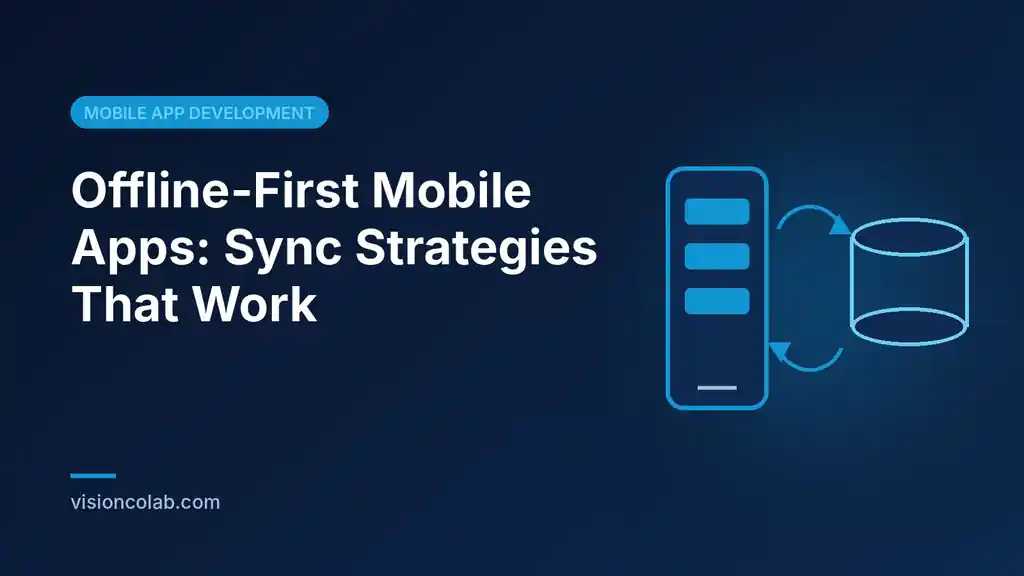
In shortAn offline-first app reads and writes to a local database on the device, treats that database as what the UI shows, and synchronizes with the server in the background when a connection is available. The design decisions that matter are: which writes may happen offline, how changes are queued and retried, whether sync is pulled by the app or pushed by the server, and how conflicts are resolved when two devices edit the same data. Last-write-wins is the common default; field-level merges or CRDTs are for data people edit together.
Field workers in basements, drivers in rural areas, travellers on planes and anyone on a weak signal all expect an app to keep working. Offline support is hard to add later, because it changes how data flows through the whole app. This guide covers the architecture and the trade-offs.
The core architecture
Android’s official offline-first guidance describes a pattern that applies to any platform:
- Each piece of data has a local source (an on-device database) and a network source (your API).
- The UI reads only from the local source, and observes it so the screen updates automatically when data changes.
- A repository layer talks to the network and updates the local database; screens never call the API directly.
- Background work, such as Android’s WorkManager or iOS background tasks, runs sync when a connection is available and retries with backoff.
Common local stores include SQLite (directly or via Room on Android, Core Data or SwiftData on iOS, or Drift in Flutter) and dedicated sync databases. The choice of store matters less than keeping one clear path for data.
Decide which writes can happen offline
| Write strategy | How it works | Use for |
|---|---|---|
| Online-only | Send to the server first; update locally only on success. Disable the action offline. | Payments, bookings with limited capacity, anything needing a server decision |
| Queued | Put the write in a queue and send it when online; failures need not be shown. | Analytics, logs, non-critical events |
| Lazy (local first) | Write to the local database immediately, queue the server update, resolve conflicts during sync. | Notes, tasks, inspection forms, drafts: data users must never lose |
Most apps mix all three. Being explicit about each data type avoids the worst offline bug: a user thinks something was saved, and it was not.
Pull, push or both
| Pull-based | Push-based | |
|---|---|---|
| How | App fetches data when a screen opens or on a schedule | App keeps a local copy; the server signals changes and the app fetches only the differences |
| Strengths | Simple; fetches only what is viewed | Works offline for long periods; low data use |
| Weaknesses | Repeated fetching; limited offline coverage | Server must support change tracking; versioning is harder |
| Good for | Feeds, search results, short gaps in connectivity | User’s own records, field data, anything needed offline |
Make the server sync-friendly
Offline-first is a backend problem as much as a mobile one. The API needs:
- Client-generated IDs (such as UUIDs) so records created offline have stable identities before the server sees them.
- Change tracking: an
updated_attimestamp or, better, a server-assigned version or sequence number, so the app can ask “what changed since version N?” - Soft deletes (tombstones) so deletions sync to other devices instead of silently disappearing.
- Idempotent writes so a retried request after a dropped connection does not create duplicates. Our guide to API design best practices covers idempotency keys.
- Batch endpoints so a device returning online can send many queued changes efficiently.
Conflict resolution
A conflict happens when the same record is changed in two places before they sync. Choose a strategy per data type:
| Strategy | How it works | Good for | Risk |
|---|---|---|---|
| Last write wins | The newest change overwrites older ones | Settings, single-owner records | Silently loses an edit; device clocks can be wrong, so prefer server versions |
| Field-level merge | Merge changes to different fields; only clashes on the same field need a rule | Forms and records edited by several people | More logic on the server |
| Server authority | Server validates and may reject offline changes | Inventory, bookings, money | User must be told and helped to fix rejected changes |
| Ask the user | Show both versions and let the user choose | Important documents | Interrupts the user; use sparingly |
| CRDTs | Data structures designed so concurrent edits always merge automatically | Collaborative text, lists, whiteboards | More complex; larger data overhead |
Conflict-free replicated data types (CRDTs) power many collaborative and “local-first” apps. They are powerful but rarely necessary for typical business apps, where most records have one owner and field-level merging is enough.
Design the experience, not just the data
- Show a clear but quiet indicator when the app is offline and when changes are waiting to sync.
- Mark individual items as “pending” or “failed to sync” with a way to retry.
- Disable online-only actions with an explanation, rather than letting them fail.
- Warn before sign-out if unsynced changes would be lost.
Security and storage
- Store only the data the user needs offline, and encrypt sensitive local data.
- Keep access tokens in the platform’s secure storage, not the regular database.
- Re-check permissions on the server for every synced change; never trust the device.
- Plan for remote wipe or local data expiry for lost devices in business apps.
- Version the local database schema and test migrations, because users update apps irregularly.
How to test offline behavior
- Airplane mode during create, edit and delete, then reconnect.
- Slow and flaky networks, using network throttling tools.
- Two devices editing the same record offline, then syncing in both orders.
- App killed in the middle of a sync.
- Long offline periods followed by large backlogs.
- App update with a database migration while unsynced changes exist.
Frequently asked questions
Does every app need to be offline-first?
No. But almost every app benefits from caching recent data so it opens instantly and shows something useful without a connection. Full offline editing is worth it when users work in poor coverage or must never lose input.
How much extra does offline-first cost?
It adds work on both the app and the backend, especially for sync, conflicts and testing. It is far cheaper to design in from the start than to retrofit. See mobile app development cost for how it fits into an overall budget.
Does it work with Flutter and React Native?
Yes. Both have mature local database and background-task options. The architecture above is the same whichever framework you choose; see our comparison of native and cross-platform apps.
Can we use a ready-made sync service?
Several databases and backend services offer built-in sync. They save time, but check pricing at your scale, how conflicts are handled, and whether you can export your data if you leave.
Further reading
Build an app that works anywhere
VisionColab builds mobile apps with offline support and reliable sync for iOS and Android. See our mobile app development services or book a free consultation.
Written by the VisionColab team
VisionColab designs and builds AI, web, mobile and cloud software for businesses. Our guides explain the decisions, costs and trade-offs involved in planning a software project.